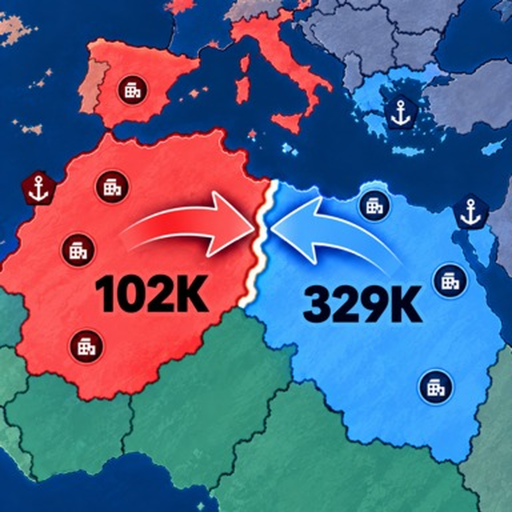
RoWorld Attack Neighbors: Commit Troops With a Purpose
Quick answer
- Select a neighboring country and choose the troops you intend to commit.
- Compare the defending army before judging a target by its size.
- Reassess the new border before extending the attack.
Choose a target you actually want to border
Before attacking a RoWorld neighbor, look past the territory immediately in front of you. Decide whether the gain connects your land, opens a useful route or exposes another rival.
This gives the attack a purpose beyond responding to the nearest name.
Check the opponent's troops. A small country can still hold a large army, so the amount of land on screen is a poor substitute for the force you will face.
Set the commitment for this attack
Select the adjacent country and use the attack percentage to choose the share of your army sent into battle. Think about what remains for your other borders. A setting used for a previous operation may be too large for this one.
If several fronts are active, choose which one deserves the commitment now. Do not interpret a video player's preferred percentage as a guaranteed win setting. The troop allocation guide helps separate attack size from your total army.
Read the response before adding another push
An attack can attract a counterattack or bring you into contact with a different player. Check the front and your remaining troops before starting a second operation. If a neighbor answers strongly, pause the wider expansion and decide whether the original gain is still worth pursuing.
Use border defense when the immediate problem becomes holding your land. An ally on another border can help your diplomatic position, but you still need a plan for the front you opened.