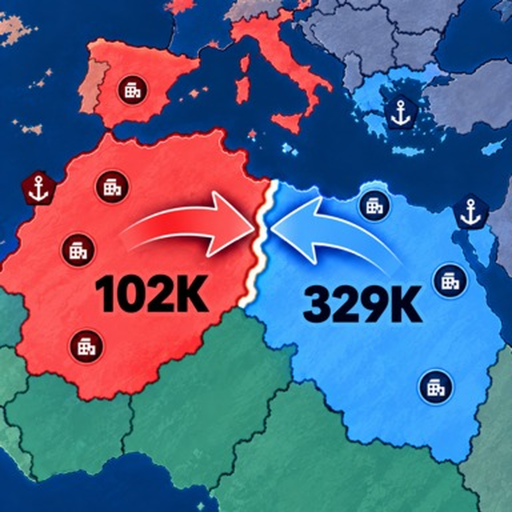
RoWorld Controls Guide: Attacks and Map Actions
Quick answer
- Q and E change the attack ratio in the documented desktop controls.
- Click an existing city again to upgrade it.
- Use X to cancel a pending nuclear targeting action in the demonstrated desktop interface.
Set the attack ratio before choosing a target
RoWorld uses an attack percentage to decide how much of your army goes into an operation. The documented desktop Q and E controls change that ratio.
Look at the displayed percentage after changing it, especially when switching from a large opponent to a small patch of land.
Treat the ratio as a commitment setting. It is easy to focus on a new target and forget the previous attack used a much larger share of the army. The troop allocation guide covers that decision in detail.
Separate land, boats and upgrades
Nearby land attacks and overseas movement have different contexts. The gameplay guide describes right-clicking a water-separated country to send troop boats; an in-game tip also describes selecting a coast for a boat invasion. Pick the intended target and follow the action presented for that location.
For a city upgrade, click the existing city again. This is different from placing another city somewhere else. Check the selected building before committing gold so you improve the location you meant to develop.
Cancel targeting before returning to the map
A pending nuclear action deserves a deliberate exit. X cancels the targeting action in the documented desktop session. Use cancellation when the target or launch plan is wrong, then confirm that you are back to the map action you intended.
These keyboard observations describe desktop play. On a touch interface, use the controls actually shown by the client rather than trying a guessed keyboard equivalent. The important habit is to distinguish selecting an action, choosing a target and committing the attack.