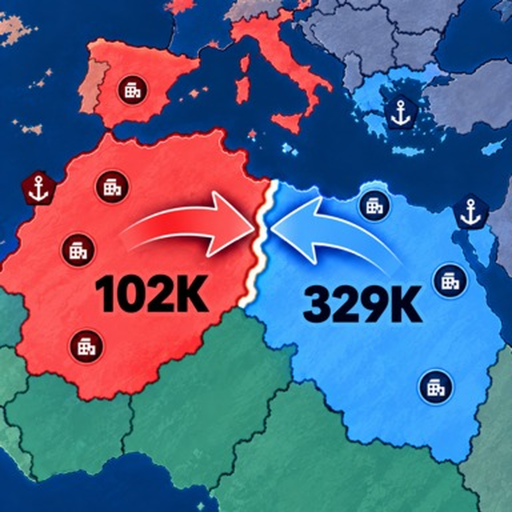
RoWorld Map Guide: Borders, Troops and World Share
Quick answer
- Use the actual in-game map for your match rather than assuming a static country layout predicts strength.
- Compare nearby troops, borders and water approaches.
- Follow the world-conquest percentage for progress toward the victory objective.
Read the local border first
The interactive map you need in RoWorld is the live match view. Start with the territory next to your nation: empty land, nearby tribes and player-controlled areas present different choices.
Look at the army behind a target instead of treating its visible size as a difficulty rating.
After a capture, check which rival you now border. This quick change of scale—from the immediate target to the resulting position—helps prevent an easy gain from becoming a difficult new front.
Use the coast to plan a real route
Water separates a land attack from an overseas operation. Troop boats can reach countries across water, while enemy warships can stop transports. A destination on the map is therefore only part of the plan; the approach matters too.
Choose a coast with a useful reason to land. If the route repeatedly meets defending ships, reconsider the maritime situation rather than sending another boat simply because the target still looks close.
Reconnect local choices with world control
The world-conquest percentage appears at the top of the interface. It measures your share of the world; the official objective is 80%. Local battles should help you move toward that wider goal while keeping a nation you can continue to defend.
For a new match, nation selection applies this map reading before your opening. During a campaign, how to win connects it with development, diplomacy and later threats.